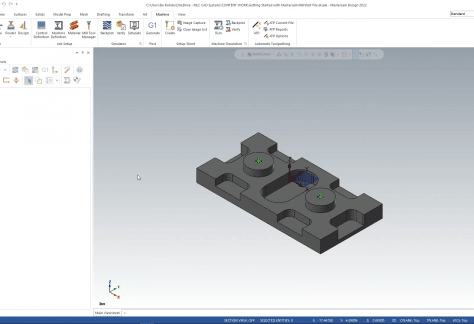
How to Import Geometry and Setup the Machine
Programming a mill part in Mastercam generally follows a standard set of features, so we created this CAM Skills video to show you how to get started.

Programming a mill part in Mastercam generally follows a standard set of features, so we created this CAM Skills video to show you how to get started.
Programming a mill part in Mastercam generally follows a standard set of features, so we created this CAM Skills video to show you how to get started.

Milling on a lathe can be done using c-axis toolpaths included with a lathe license or with dedicated features like dynamic roughing.
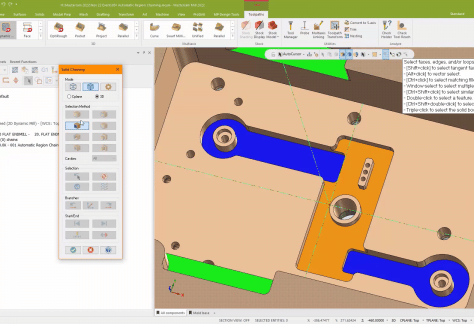
Speed up your daily work with automatic solid region selection for fast and accurate toolpath chaining in Mastercam.
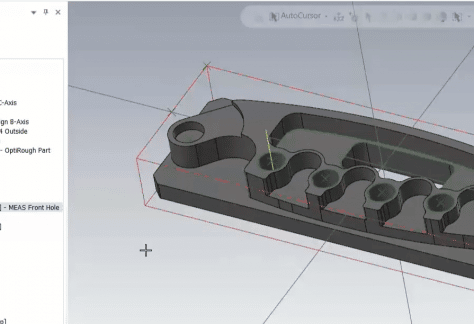
CIMCO Probing helps improve the quality of parts, increases productivity, and reduces setup-time and manual processes.
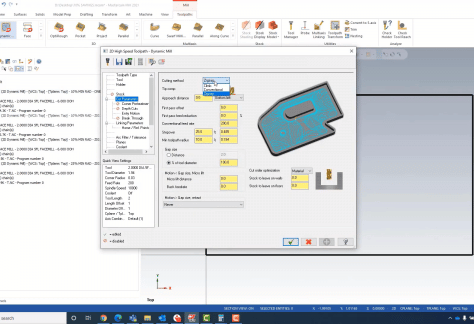
High-Speed Toolpaths have several options to increase cutting efficiency and get the most benefit from your Mastercam software investment.
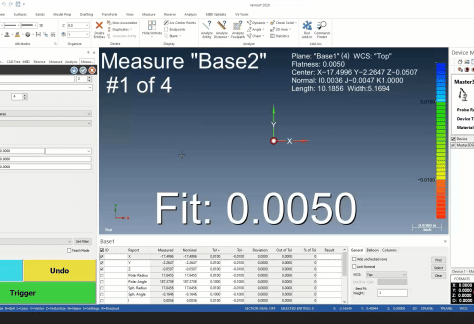
In this webinar, we invited a Verisurf expert to show us a bit about how it works and how to use it for reverse engineering.
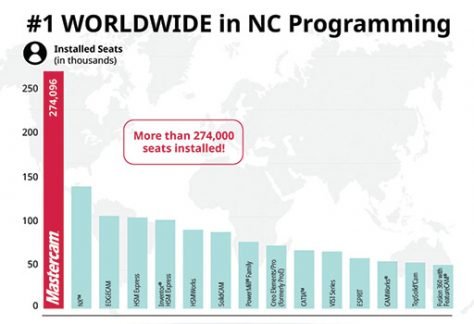
Mastercam is the world’s most widely-used CAM software for the 26th straight year … With the most installed seats worldwide, Mastercam has almost twice the installed base of the closest competitor.
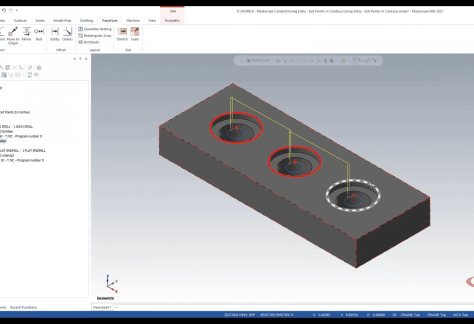
This Mastercam tip shows you how to quickly select and arrange the entry and exit points in a contour toolpath.
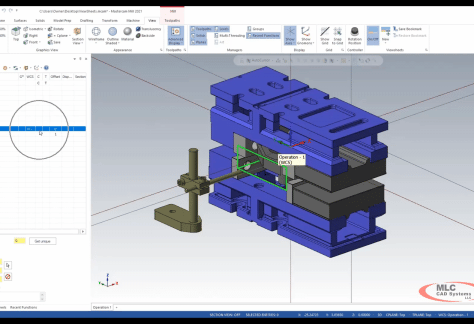
View Sheets in Mastercam can be used to control visibility and settings to make viewing multiple setups and operations quick and easy.
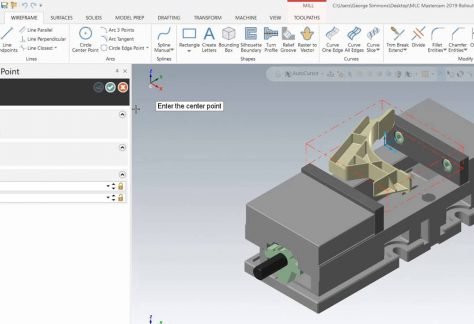
Mastercam 2019 includes many advances to help streamline your entire process. This tech tip goes over the Mastercam 2019 enhancement for Access Key Disable feature and Hotkeys.
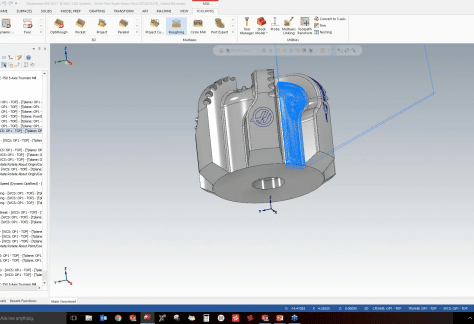
MLC CAD Systems shares useful information on how to simplify even a very complicated part using Mastercam’s newest toolpaths.