Mastercam Software Licensing
Here we’ll run through the basic operation and features of Software Licensing for Mastercam.

Here we’ll run through the basic operation and features of Software Licensing for Mastercam.
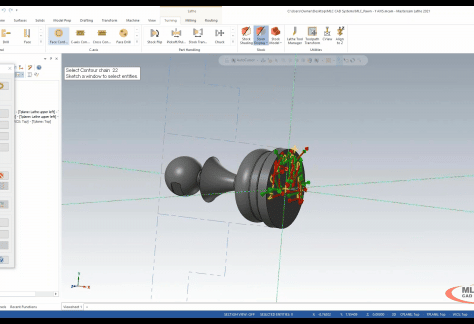
Join MLC CAD Systems’ Certified Mastercam Expert, Sherman Snyder, as he explains best practices for getting started with Mastercam Lathe.
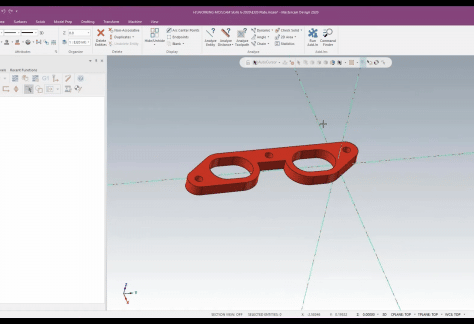
In this Mastercam Webinar, MLC CAD Systems walks you through best practices in standardizing mill programming in Mastercam, saving you time along the way.
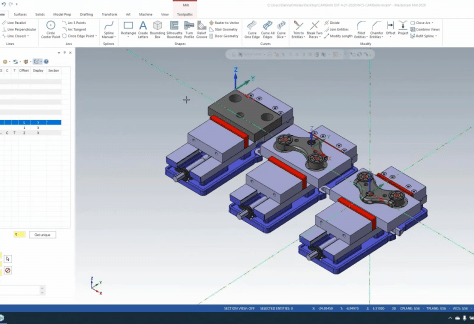
Explore the Mastercam WCS (World Coordinate System), Planes, Levels, Setup Sheets, and other features to help you master these features and stay productive.
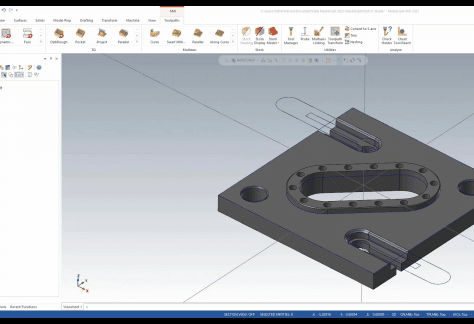
See our Mastercam Mill expert go from a concept napkin sketch to a 3D model and on to a complete NC program for a specific machine in this webinar.
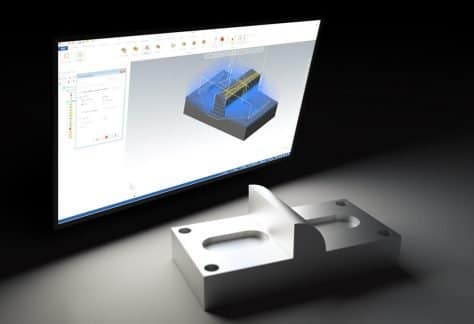
Not all tools will be available in your Mastercam Tool Manager library. There are many custom tools on the market you may need to add.
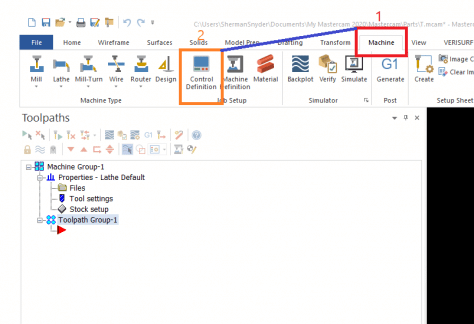
When programming with Mastercam, the user has a couple options inside Mastercam to allow the user to easily make basic changes to the output of their code.
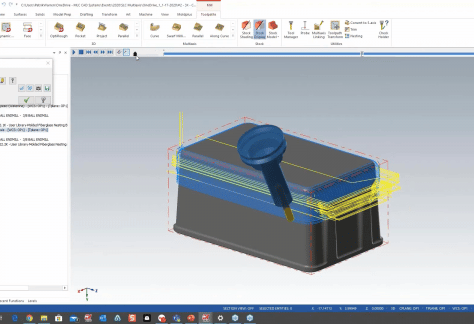
Mastercam multiaxis functionality even applies to 3-axis machining and can create advanced toolpaths without requiring the additional machine motion.
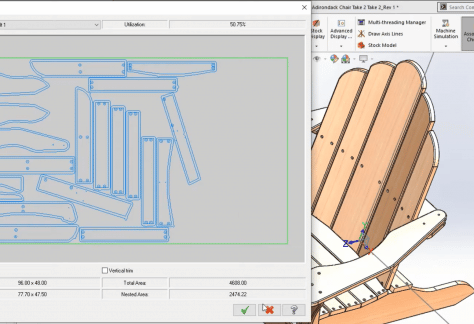
See how Mastercam for SOLIDWORKS allows for toolpath creation on any part, including assemblies. These toolpaths can then be nested and output to a router.
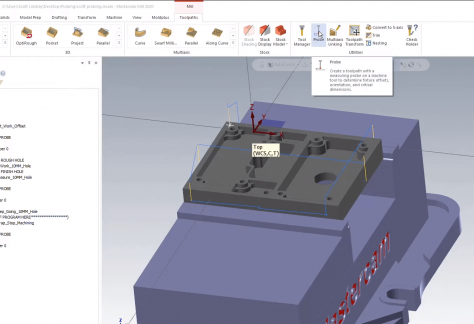
In this Mastercam Productivity+ webinar we demonstrate the powerful use cases for using Renishaw probes to pre-program the inspection and work offsets.
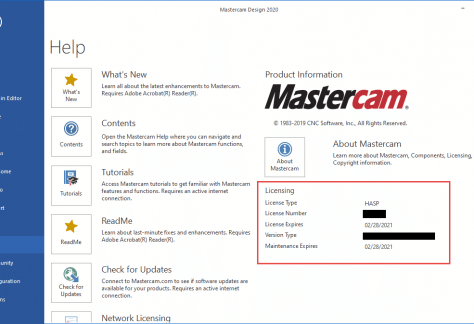
With the current events, many users are finding they need to quickly adjust their work routine. How to get the most from Mastercam while out of office.
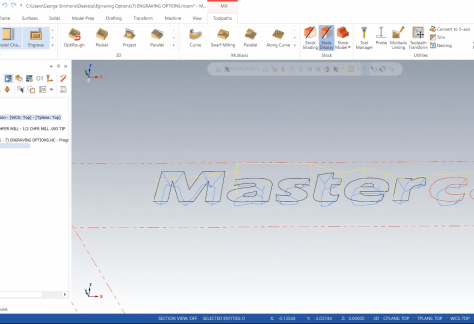
The engraving toolpath in Mastercam is often mistaken for a quick way to add text to a part, such as a lot number or a heat code.