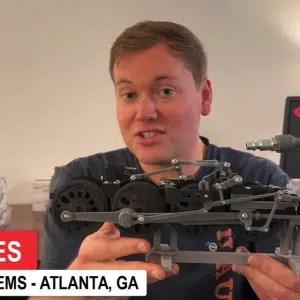
Sherman Snyder been in the manufacturing industry with a majority of his background has been in the oilfield and aerospace industries programming and machining parts for companies such as Rolls Royce, Halliburton, GE Oil & Gas, and SpaceX to name a few. Sherman has a wide range of software experience from other CAD/CAM software on the market. Sherman joined the MLC-CAD Systems family July of 2019.