
SOLIDWORKS, Mastercam, or Both?
How to decide between SOLIDWORKS or Mastercam for your business use case and is there any benefit from buying both software solutions?

How to decide between SOLIDWORKS or Mastercam for your business use case and is there any benefit from buying both software solutions?
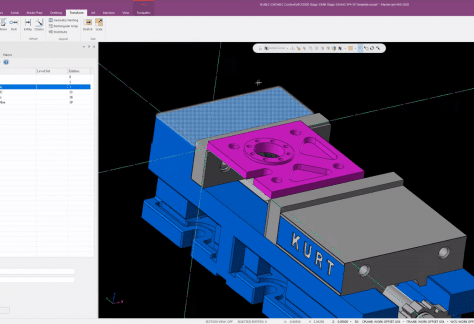
Creating a template project in Mastercam allows you to save time doing repetitive setup tasks. See how as our Mastercam expert walks you through the steps.

MLC CAD Systems is proud to be the #1 Worldwide Mastercam Reseller for 2019. Thank you to our customers who helped us become #1.
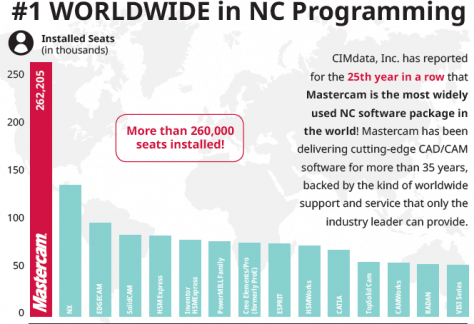
Mastercam is the world’s most widely-used CAM software for the 25th straight year … With over 262,205 installed seats worldwide, Mastercam has almost twice the installed base of the closest competitor.
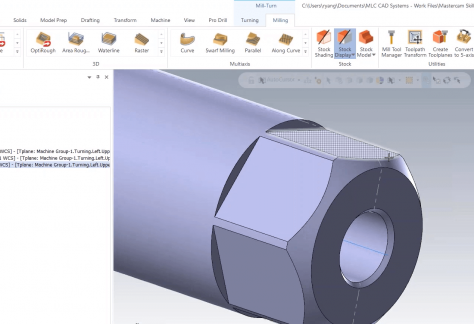
An informational CAM Skills webinar covering everything you need to know about the Single Stream Lathe Environment in Mastercam.
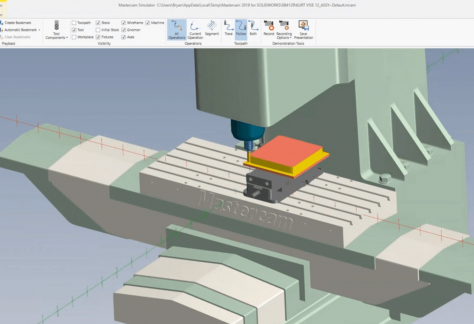
Discover innovative toolpath strategies to machine your parts, identify collisions with tooling, and other tips and tricks for Mastercam for SOLIDWORKS.
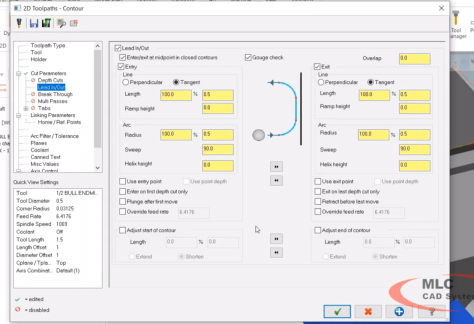
If you’ve ever wondered exactly what Mastercam Cutter Compensation does and how each option differs, this introduction video simplifies it all.
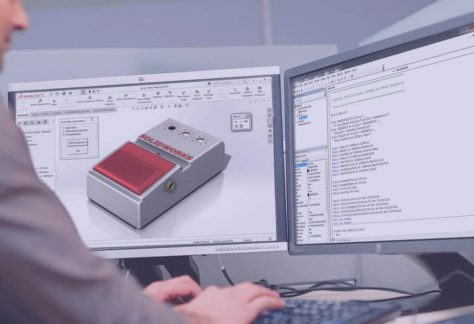
This video will help guide you through how to install Mastercam for SOLIDWORKS 2019 on your computer.
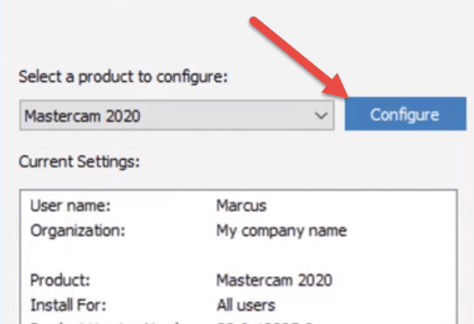
With the Shared Directory in a network location, one copy of the Machine Definition, Post Processors, Tool Libraries and other files are used by everyone. This cuts down on post tweaks that don’t get saved on all the computers and inconsistent outputs between programmers.

If your machine definition is pointing to the wrong information for any reason, follow this procedure to correct them in Mastercam.
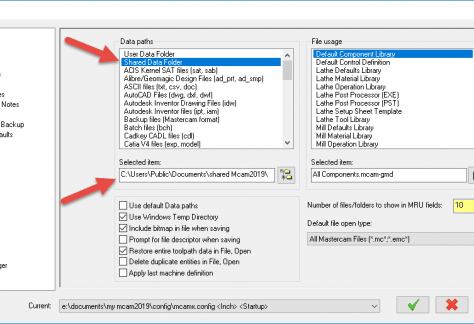
A post processor creates the final instructions that are properly configured to match your machine’s kinematics, capabilities, instruction set, and options.

Print out and hang this handy quick reference guide to learn Mastercam keyboard shortcuts and other time-saving tools like masks and gnomon control.