
How to Perform a Stock Flip – Advanced Lathe Tips and Tricks 7/12
Stock Flip command allows you to define the new position of the geometry, which determines how far into the chuck the part is inserted.

Stock Flip command allows you to define the new position of the geometry, which determines how far into the chuck the part is inserted.

5-axis Drilling toolpaths can be created quickly in Drill command, It creates holes quickly & easily from a variety of common specifications.
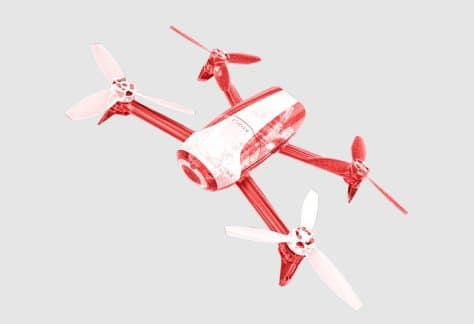
In this Arc Filtering Advanced Mill Tips and Tricks webinar, we’ve gathered some tips and tricks to help you be more efficient with Mastercam
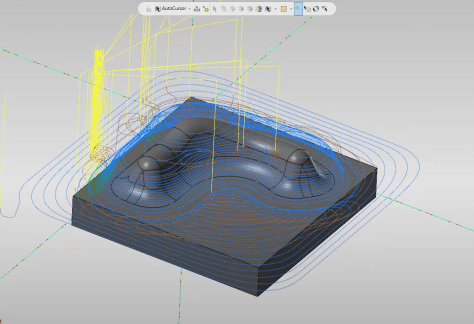
In this webinar video, we’ve gathered some key skills and tips to help you be more efficient with Mastercam Advanced Mill 3D Toolpaths.
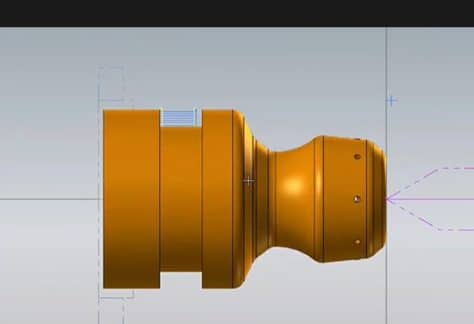
In this webinar video, one of our application experts, provides a demonstration on how to drill and finish the internal bore of a lathe part in Mastercam.
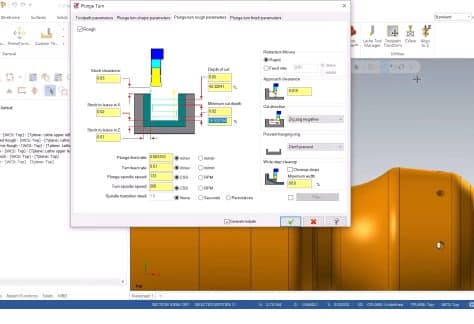
In this webinar video, one of our application experts provides a demonstration on how to Plunge Cut a Groove in Mastercam
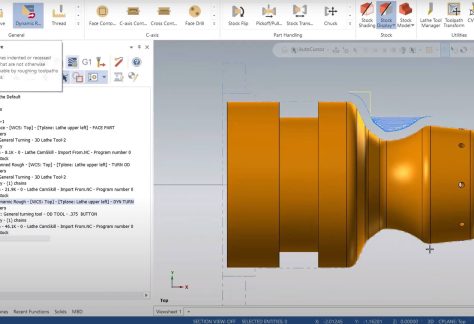
In this Mastercam video, one of our application experts at MLC CAD Systems provides a tutorial on creating a Finishing Toolpath.

In this Mastercam webinar, one of our application experts at MLC CAD Systems provides a walk-through on Advanced Lathe tips and tricks
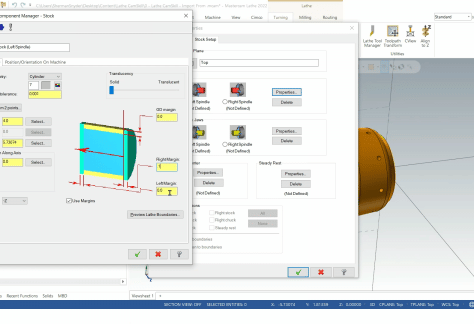
In this first video in a series on Advanced Lathe topics, we’ll cover the creation and setup of a lathe project.
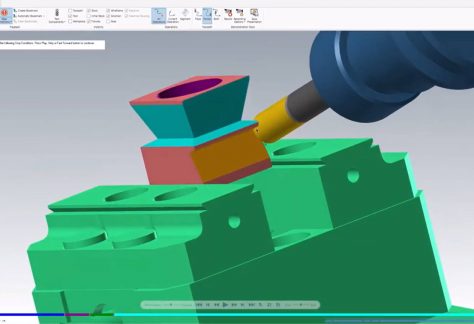
In this first video in a series on Advanced Lathe topics, we’ll cover the creation and setup of a lathe project.
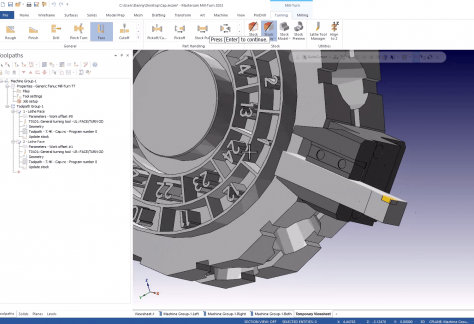
Learn how to add, modify, and save tools and tool holders on a Mastercam Mill Turn Turret in your project.
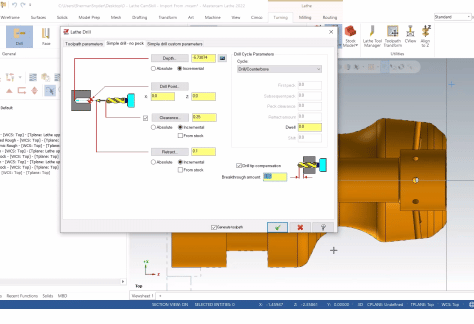
Go beyond lathe toolpath creation and learn several tips and tricks to accelerate your lathe programming time! This event extends beyond our Getting Started with @Mastercam Lathe https://youtu.be/Du-rPhnjjac event and helps you transition to the next operation with part handling operations. Build and organize libraries in Mastercam to streamline future parts and avoid repetitive steps.