Bore ID – Advanced Lathe Tips and Tricks 5/12
Mastercam - Bore ID
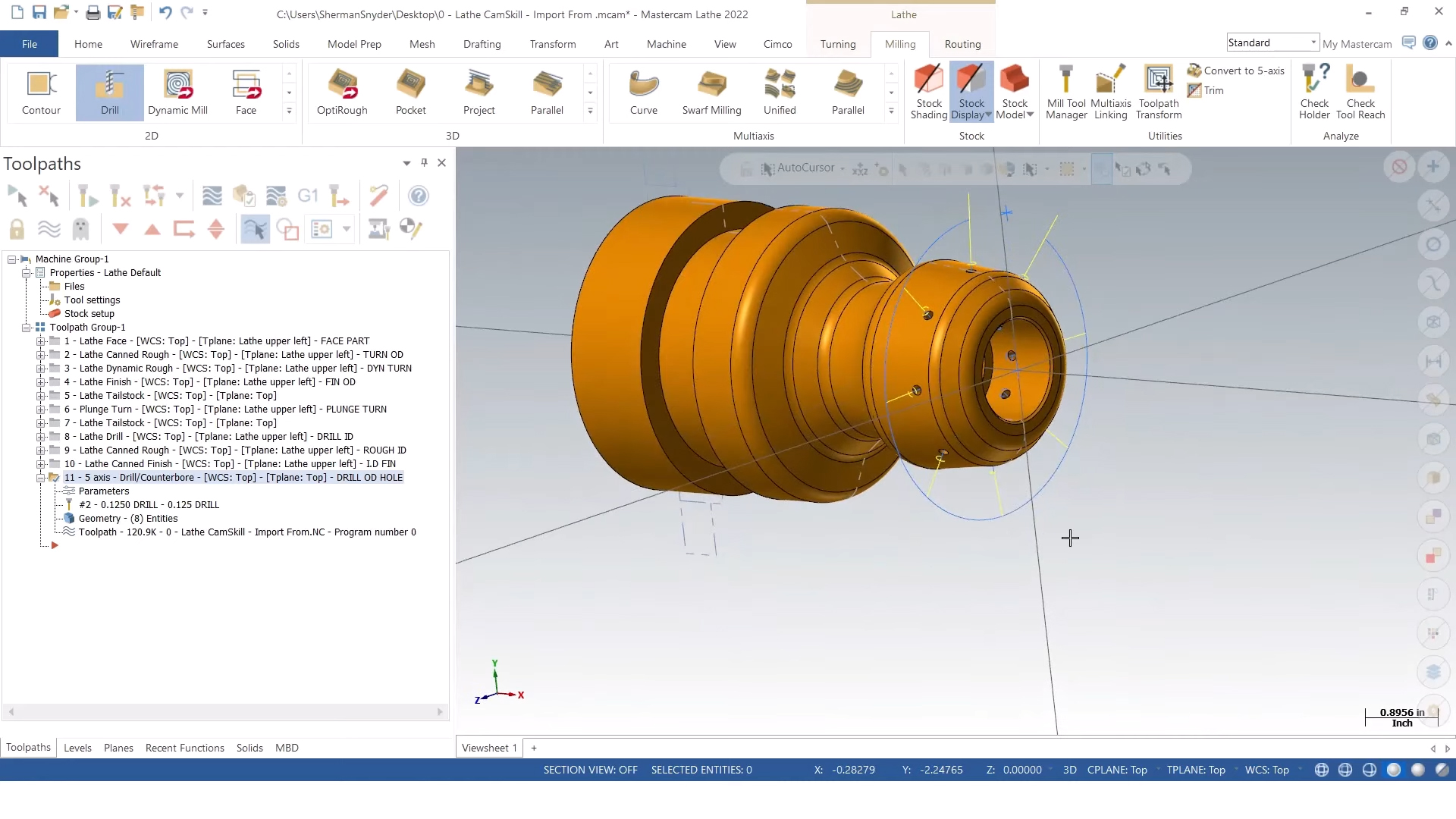
Learn how to drill and finish the internal bore of a lathe part in this video. Before switching to the internal features, the tailstock may need to be retracted using the intuitive part handling tools in Mastercam. Retract values are automatically entered based on previous engagement moves to save time entering or looking up values. If the design is a 3D model, a section view makes it easy to inspect the interior features and select entities to define individual toolpath behavior.
If tools need to be loaded into the machine, the tool manager can quickly locate them from the library and add them to the program, or they can be added on the fly inside the individual toolpath. For drill operations, the tip angle from the tool can be used to automatically set the depth for the full drill diameter, including any amount of additional depth requested. Similar to OD toolpaths, roughing and finishing toolpaths are easy to define based on your cut preferences and the model geometry. You can utilize the canned cycles in your machine tool’s control using canned rough and finish toolpaths to quickly define these common operations.
Technical Support
You can also contact us about Training or get help from our team by Calling us at 800-364-1652 x 3, Emailing us at mastercamsupport@mlc-cad.com, or Clicking here for Mastercam Technical Support.
More in this series
About the author

Sherman Snyder been in the manufacturing industry with a majority of his background has been in the oilfield and aerospace industries programming and machining parts for companies such as Rolls Royce, Halliburton, GE Oil & Gas, and SpaceX to name a few. Sherman has a wide range of software experience from other CAD/CAM software on the market. Sherman joined the MLC-CAD Systems family July of 2019.


