Mastercam
How to Create a Finishing Toolpath – Advanced Lathe Tips and Tricks 3/12
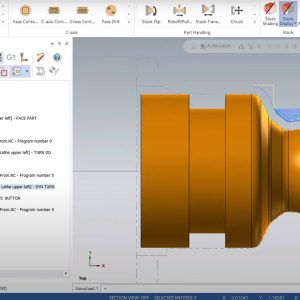
In this Mastercam video, one of our application experts at MLC CAD Systems provides a tutorial on creating a Finishing Toolpath.


Sherman Snyder been in the manufacturing industry with a majority of his background has been in the oilfield and aerospace industries programming and machining parts for companies such as Rolls Royce, Halliburton, GE Oil & Gas, and SpaceX to name a few. Sherman has a wide range of software experience from other CAD/CAM software on the market. Sherman joined the MLC-CAD Systems family July of 2019.
In this Mastercam video, one of our application experts at MLC CAD Systems provides a tutorial on creating a Finishing Toolpath.
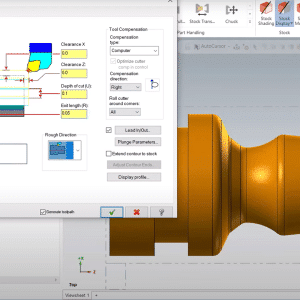
In this Mastercam webinar, one of our application experts at MLC CAD Systems provides a walk-through on Advanced Lathe tips and tricks
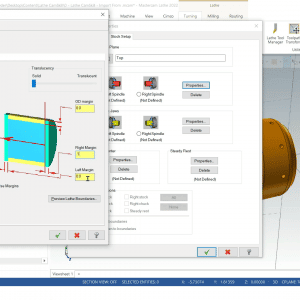
In this first video in a series on Advanced Lathe topics, we’ll cover the creation and setup of a lathe project.
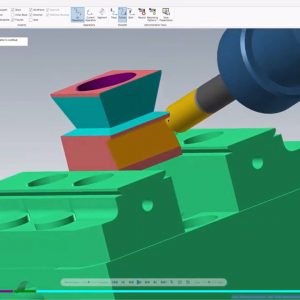
In this first video in a series on Advanced Lathe topics, we’ll cover the creation and setup of a lathe project.
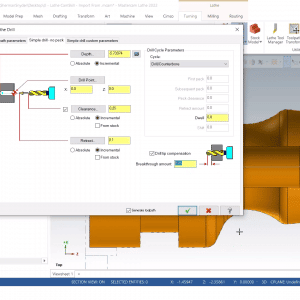
Go beyond lathe toolpath creation and learn several tips and tricks to accelerate your lathe programming time! This event extends beyond our Getting Started with @Mastercam Lathe https://youtu.be/Du-rPhnjjac event and helps you transition to the next operation with part handling operations. Build and organize libraries in Mastercam to streamline future parts and avoid repetitive steps.
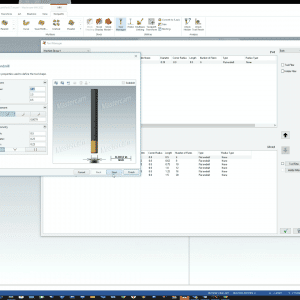
Free Mastercam Tool Libraries are available for download from the Mastercam Tech Exchange. Download and add these libraries to your installation of Mastercam with this helpful tech tip. Save your own customized libraries with ease in the Tool Manager.
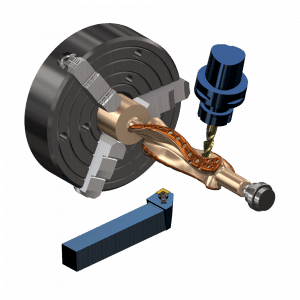
Watch this video to understand what you can expect when attending instructor-led Mill-Turn training from one of our Mastercam experts!
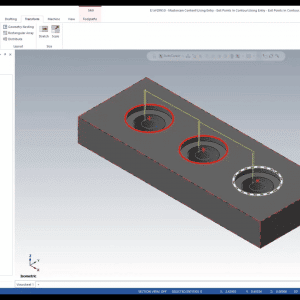
This Mastercam tip shows you how to quickly select and arrange the entry and exit points in a contour toolpath.
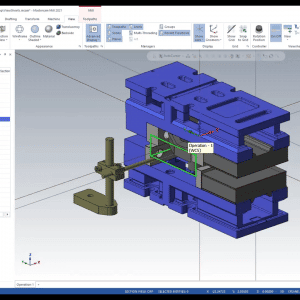
View Sheets in Mastercam can be used to control visibility and settings to make viewing multiple setups and operations quick and easy.
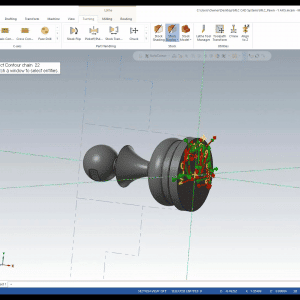
Join MLC CAD Systems’ Certified Mastercam Expert, Sherman Snyder, as he explains best practices for getting started with Mastercam Lathe.