Mastercam
Tech Tip: Mastercam Hotkey / Access Key Disable
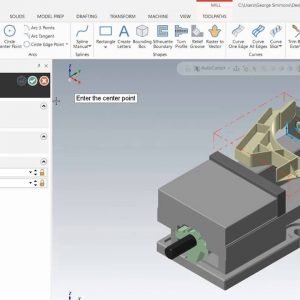
Mastercam 2019 includes many advances to help streamline your entire process. This tech tip goes over the Mastercam 2019 enhancement for Access Key Disable feature and Hotkeys.


George has been an Applications Experts with MLC CAD Systems for more than 14 years. He brings real Machine Shop experience to the table with previous experience as an Applications Engineer for a Machine Tool Distributor in North Texas and over 20 years as a Machinist on the shop floor. Along with being an ASQ Certified Mechanical Inspector since 1987, he understands that at the end of the day, we are ultimately judged by our ability to measure what we did.
Mastercam 2019 includes many advances to help streamline your entire process. This tech tip goes over the Mastercam 2019 enhancement for Access Key Disable feature and Hotkeys.
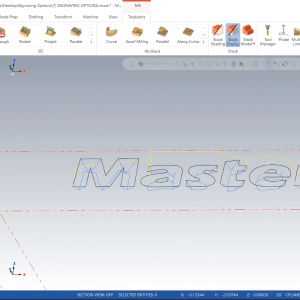
The engraving toolpath in Mastercam is often mistaken for a quick way to add text to a part, such as a lot number or a heat code.
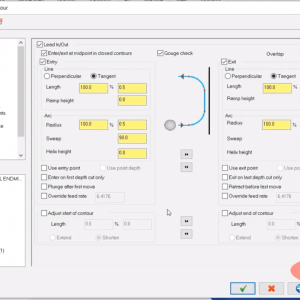
If you’ve ever wondered exactly what Mastercam Cutter Compensation does and how each option differs, this introduction video simplifies it all.
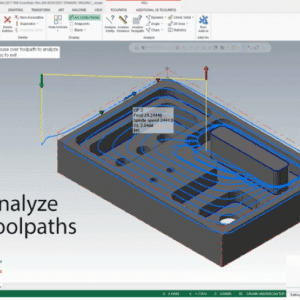
Mastercam offers multiple machining strategies and toolpaths to help you solve any machining challenge, but we agreed we always find ourselves coming back to these favorite toolpaths. Here some go-to toolpaths that can tackle the majority of machining jobs.
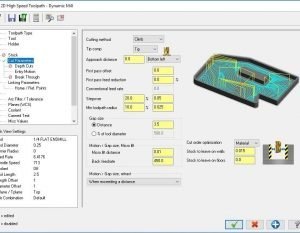
In Mastercam, a Gap is an area of “Air,” either outside of the material or a previously machined area. Eliminating these gaps can greatly improve cycle times.