How to Perform a Stock Flip – Advanced Lathe Tips and Tricks 7/12
Stock Flip - Advanced Lathe Tips and Tricks
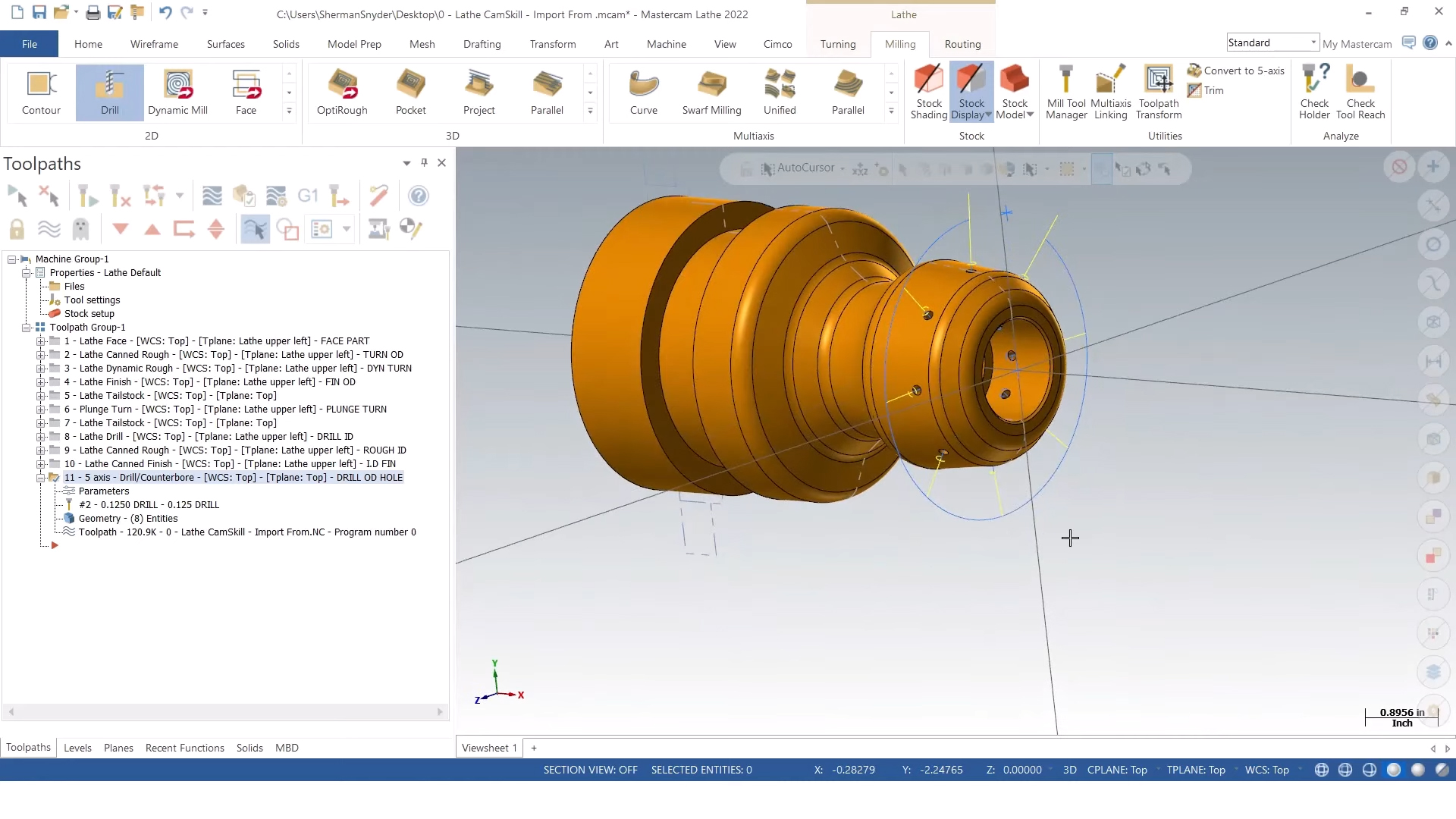
Turned parts generally need two operations to complete, starting with one side of the part clamped in the lathe chuck. The second operation requires the part to be reversed to cut the details on the back side of the part while holding on to the finished end. When a lathe has a sub-spindle, it can be programmed to perform a pick-off to clamp the part from the other side, allowing the back of the part to be machined. If necessary, the bar stock can be cut automatically in a Pick-Off-Cut-Off operation. Part handling operations are pre-configured in Mastercam depending on the type of machine and the type of stock involved.
In this example, the part simply needs to be flipped in the same chuck by the operator so the second operation can be performed. The Lathe Stock Flip command allows you to define the new position of the geometry, which determines how far into the chuck the part is inserted. The command also reverses selected geometry automatically so you can program the back of the part in its new location. This means machining takes place on two sets of geometry effectively on top of each other, so after the stock flip the original geometry can be blanked out to hide it. Additional details can be customized to the preferences of the operator, but the flip operation itself is now automated and the program will continue after the flip.
Technical Support
Get help from our team by Calling us at 800-364-1652 x 3. You can also get assistance by clicking the Technical Support button or the Email Our Experts button below.
More in this series
About the author

Sherman Snyder been in the manufacturing industry with a majority of his background has been in the oilfield and aerospace industries programming and machining parts for companies such as Rolls Royce, Halliburton, GE Oil & Gas, and SpaceX to name a few. Sherman has a wide range of software experience from other CAD/CAM software on the market. Sherman joined the MLC-CAD Systems family July of 2019.


